A calmer desktop
for Hyprland.

A monochrome shell for Arch Linux. Free, open source and built with Quickshell.

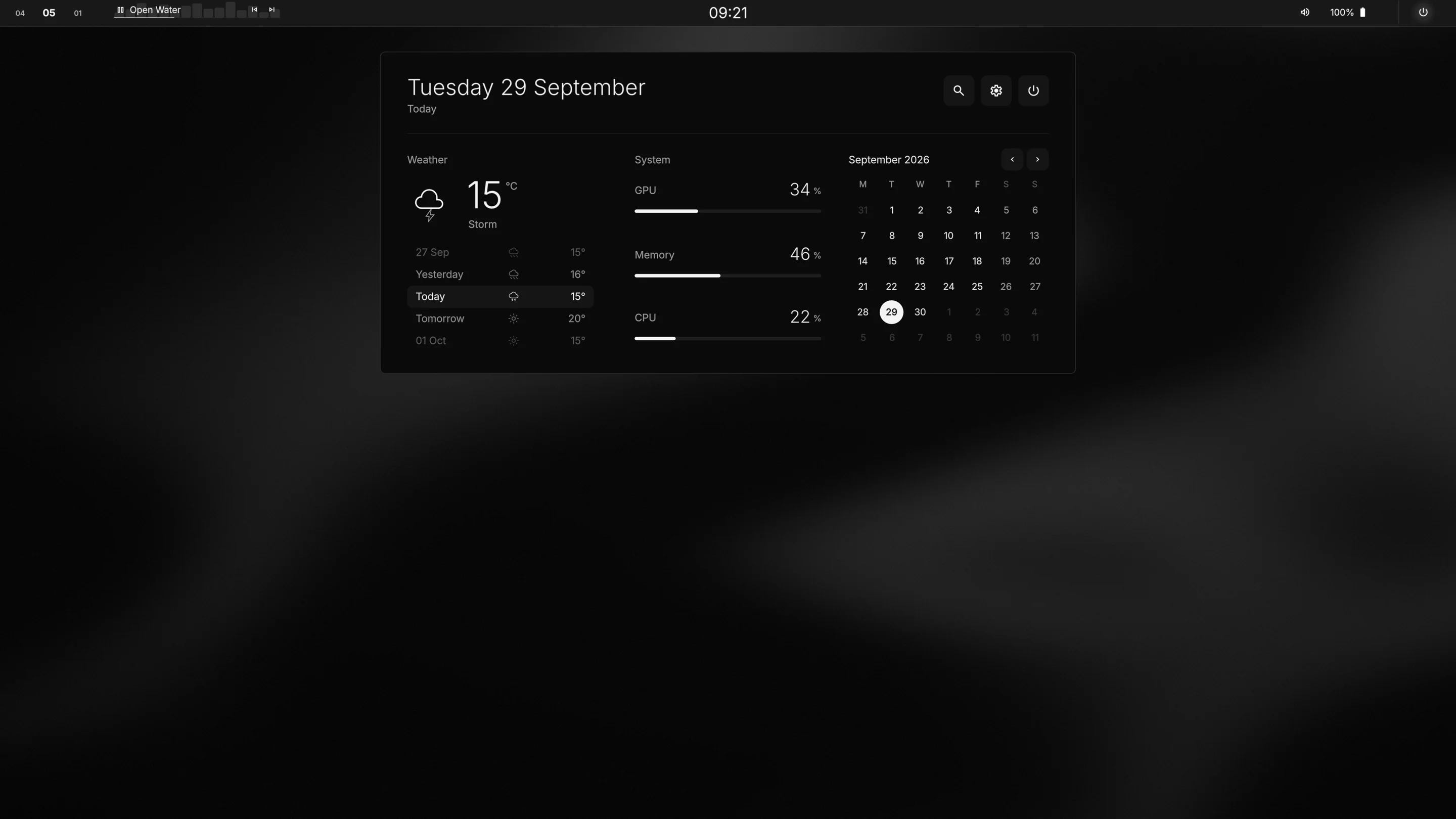
The ghOSt desktop: a slim top bar with the calendar open beneath the clock.

One quiet bar.

Desktops, clock, volume, battery and power. Media appears only while something is playing.

Top bar, left side: desktop numbers and the current track. Top bar, right side: volume, battery and power.

Every desktop, at a glance.

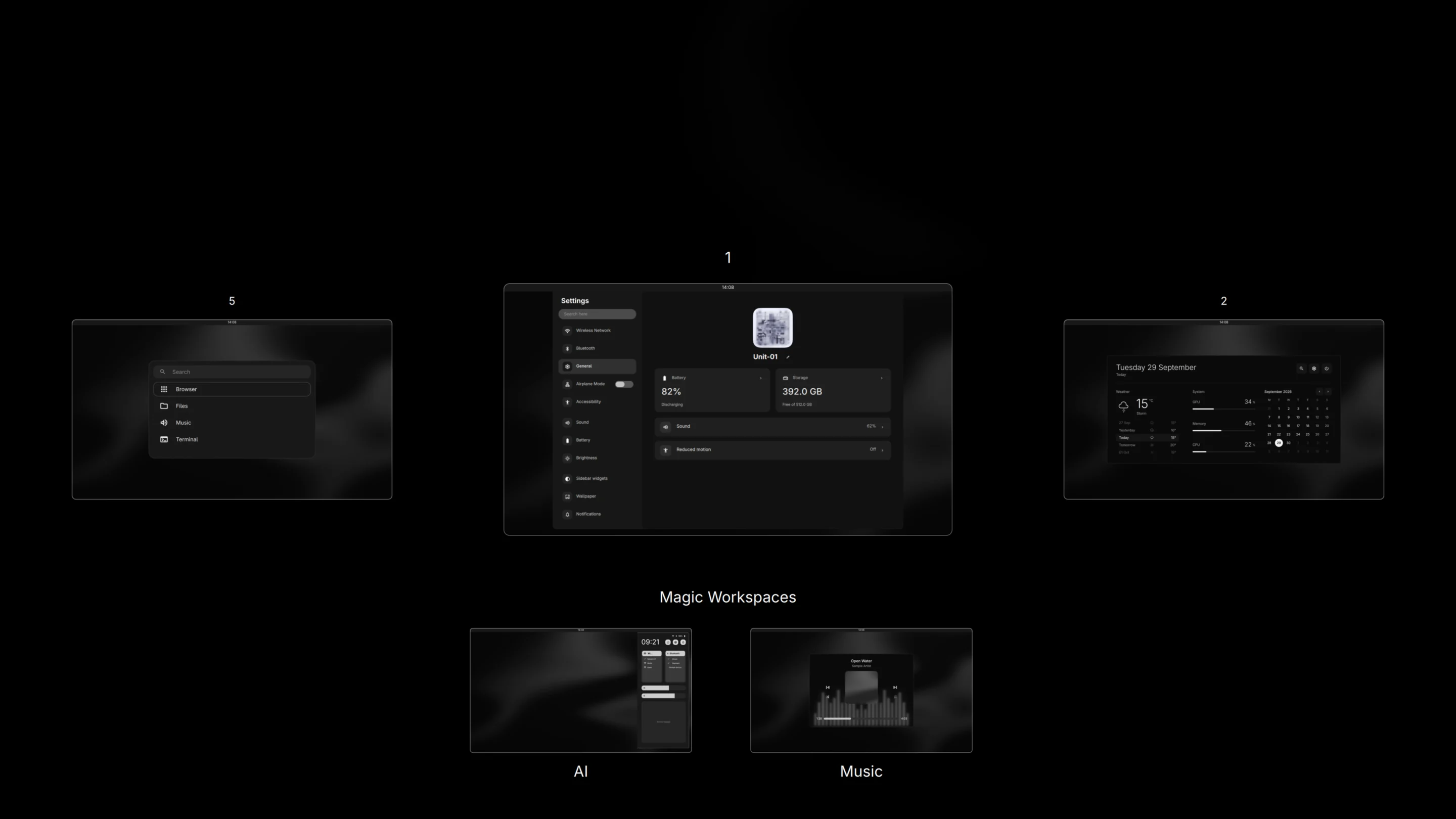
Press Super and Tab. Scroll to look around, click to go there. Magic Workspaces sit just below.

The desktop switcher: the current desktop in the centre, its neighbours either side, and AI and Music workspaces below.

Your day, under the clock.

Dates, weather and live system readings.
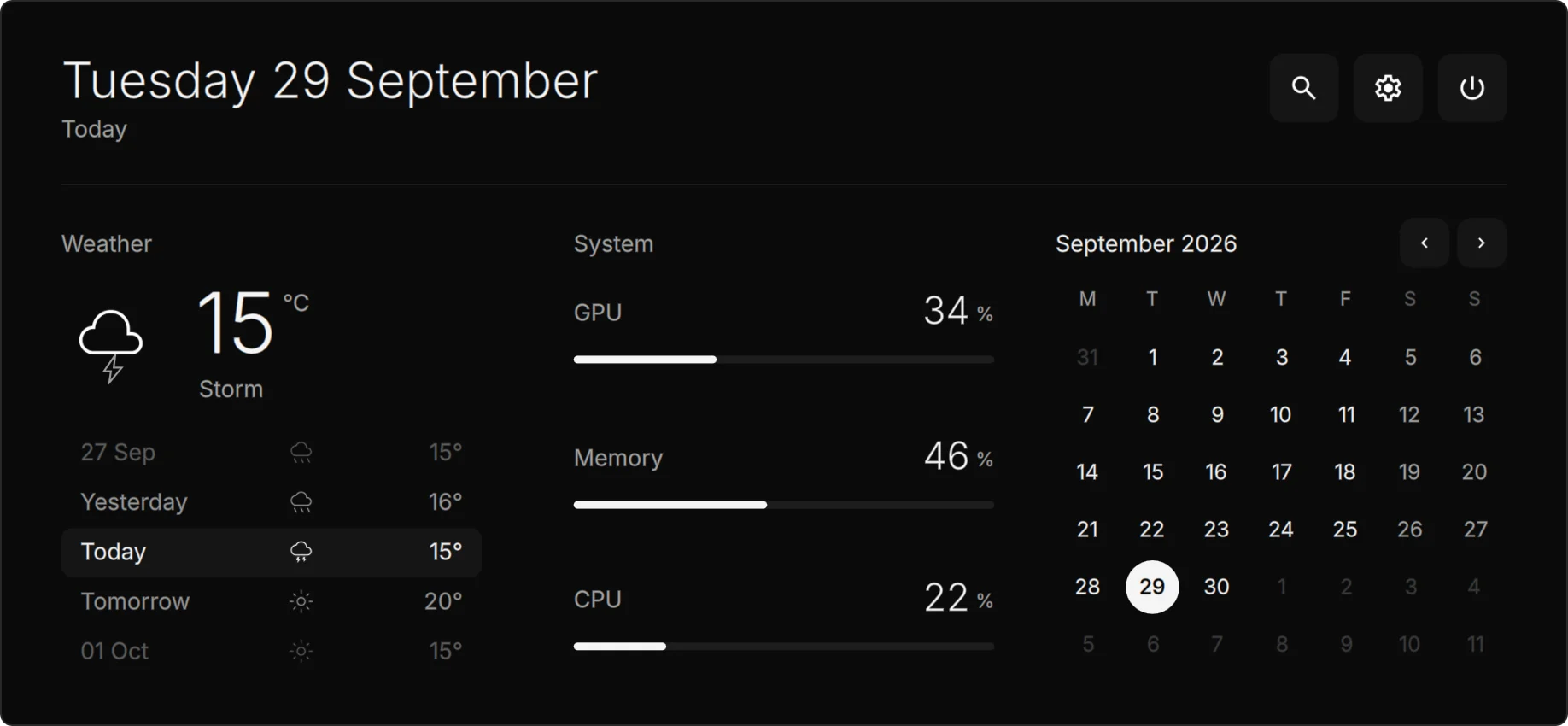
The calendar panel with weather, system readings and a month view.

Controls at your side.

Network, Bluetooth, volume, brightness and notifications.
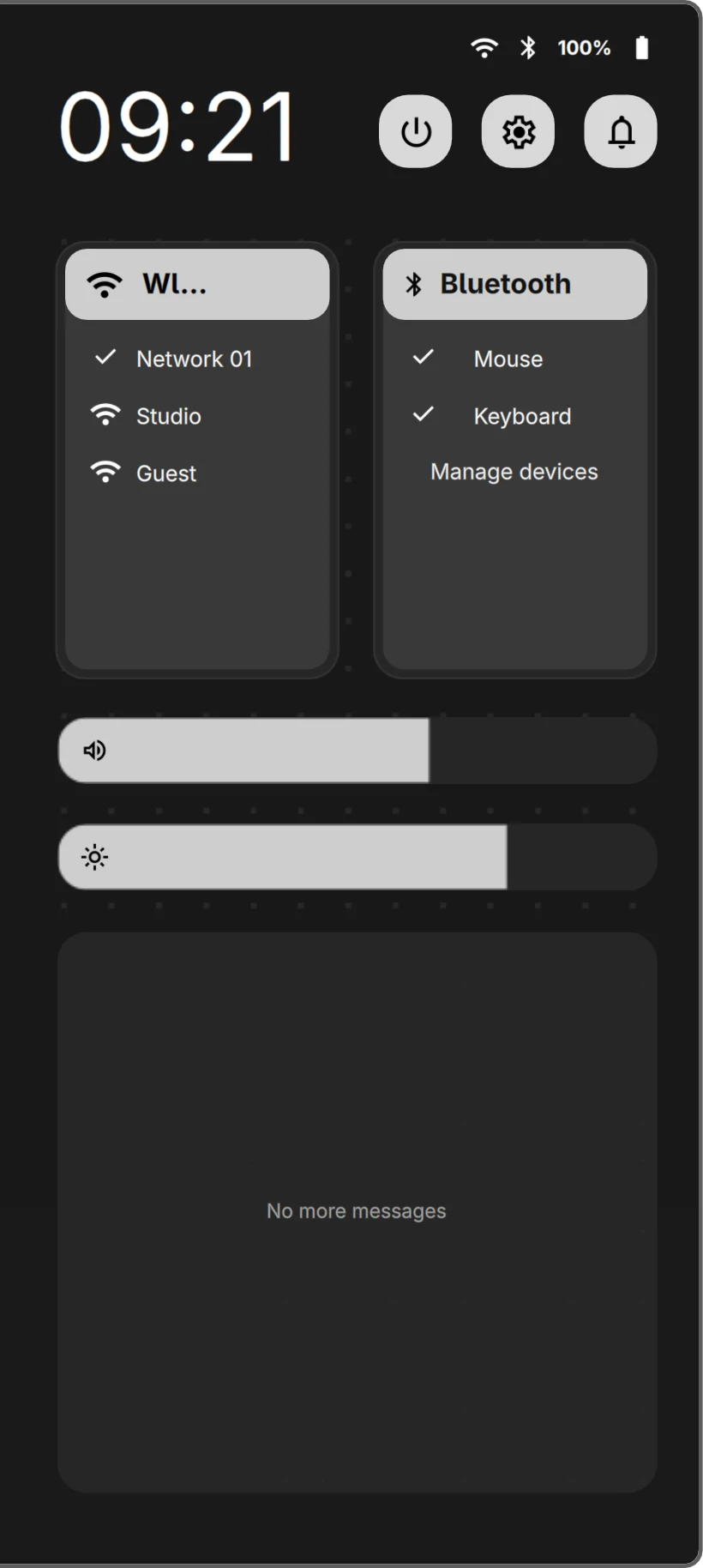
The sidebar with network, Bluetooth, volume and brightness controls.

Music, centre stage.

Artwork over a live spectrum of whatever is playing.
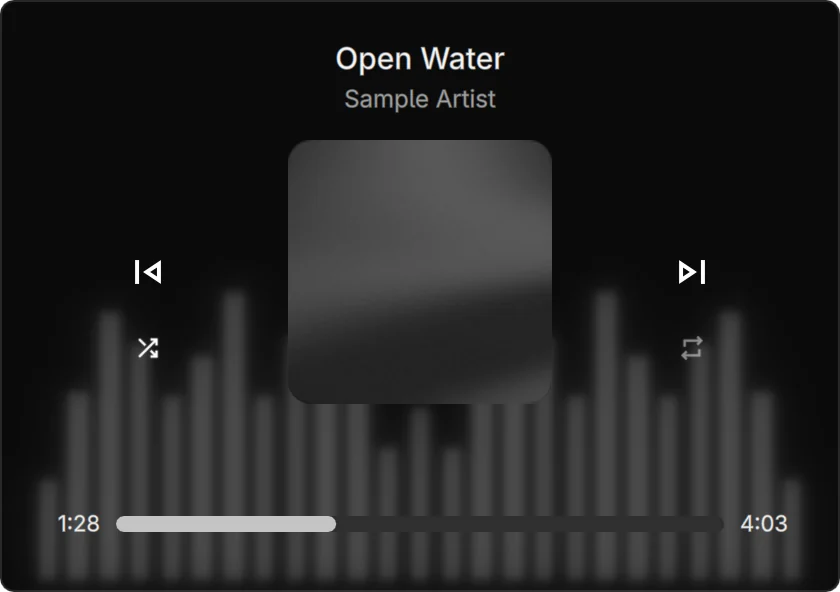
The music player with album art and a blurred audio spectrum behind it.

Just start typing.

Super and Space opens every app you have installed.
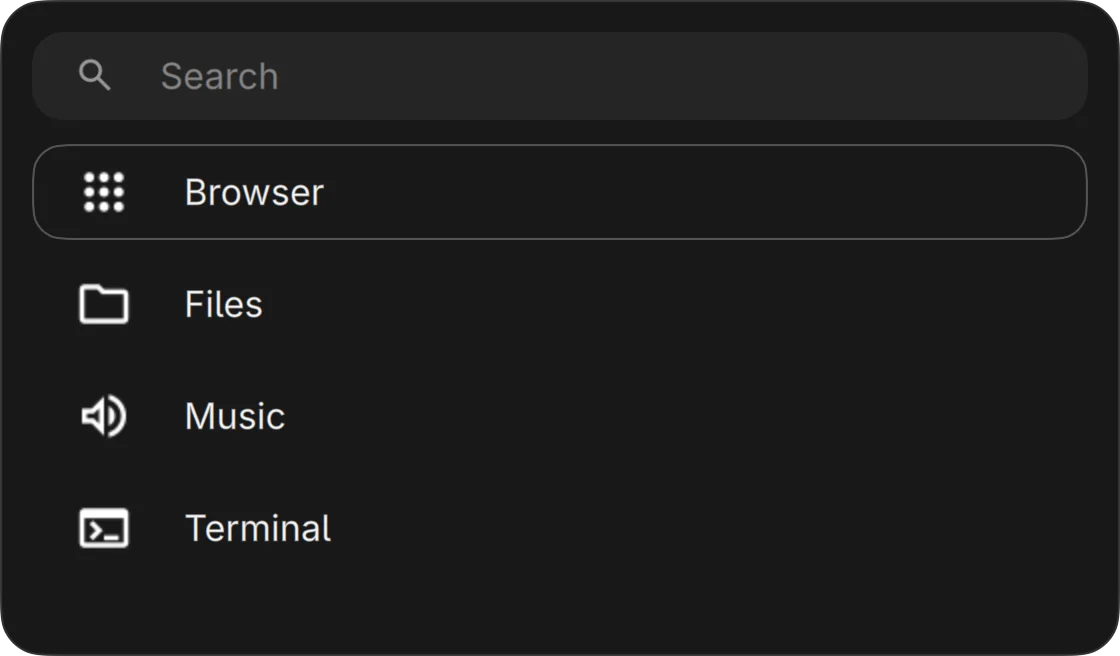
The app launcher with a search field and a short list of apps.

Settings that stay out of the way.

Fourteen pages and one search field. Network, sound, power, wallpaper and your top bar layout.
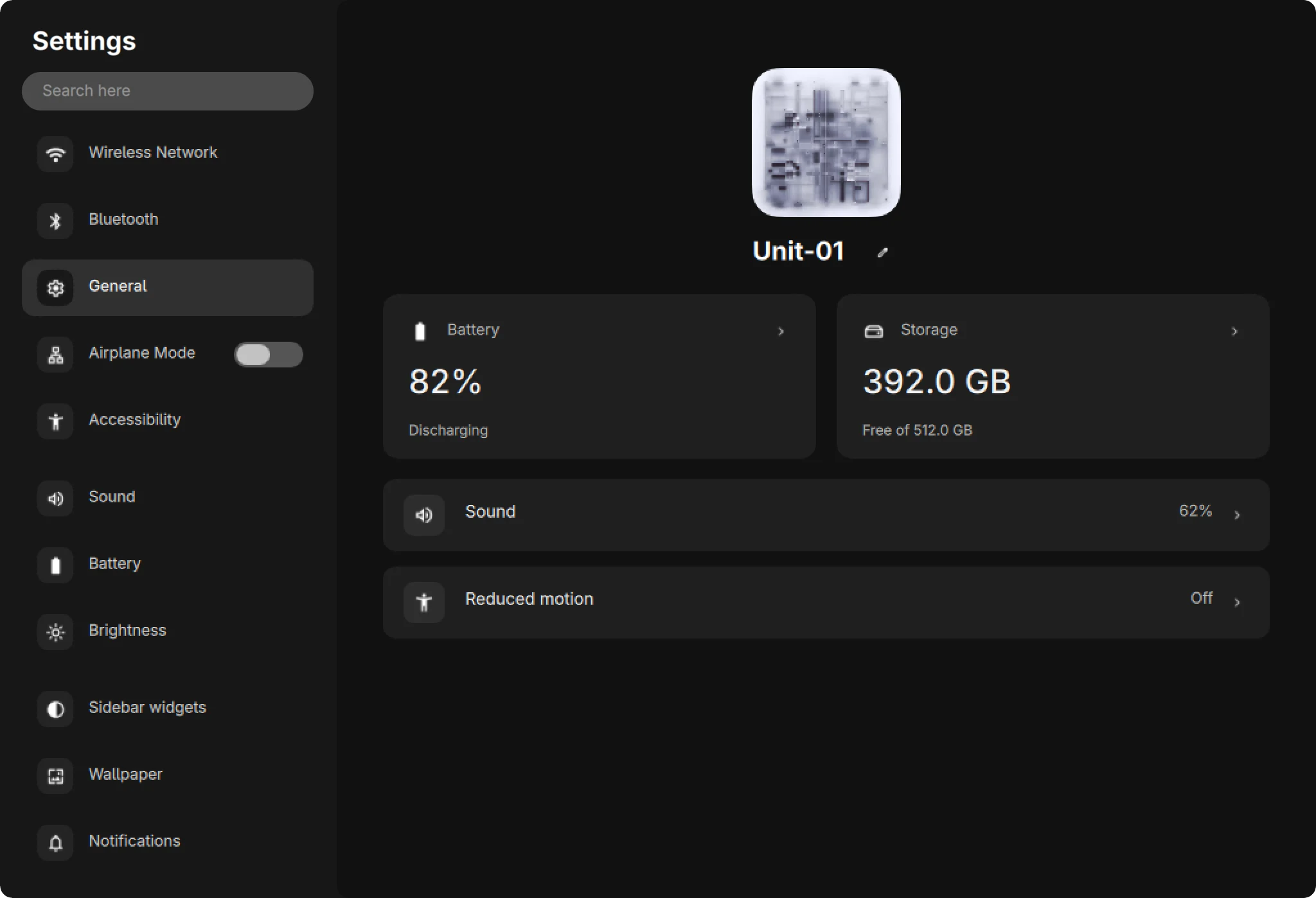
ghOSt Settings, showing the General page with a sidebar of categories.

From the very first screen.

A login theme with your sessions, your picture and nothing else.
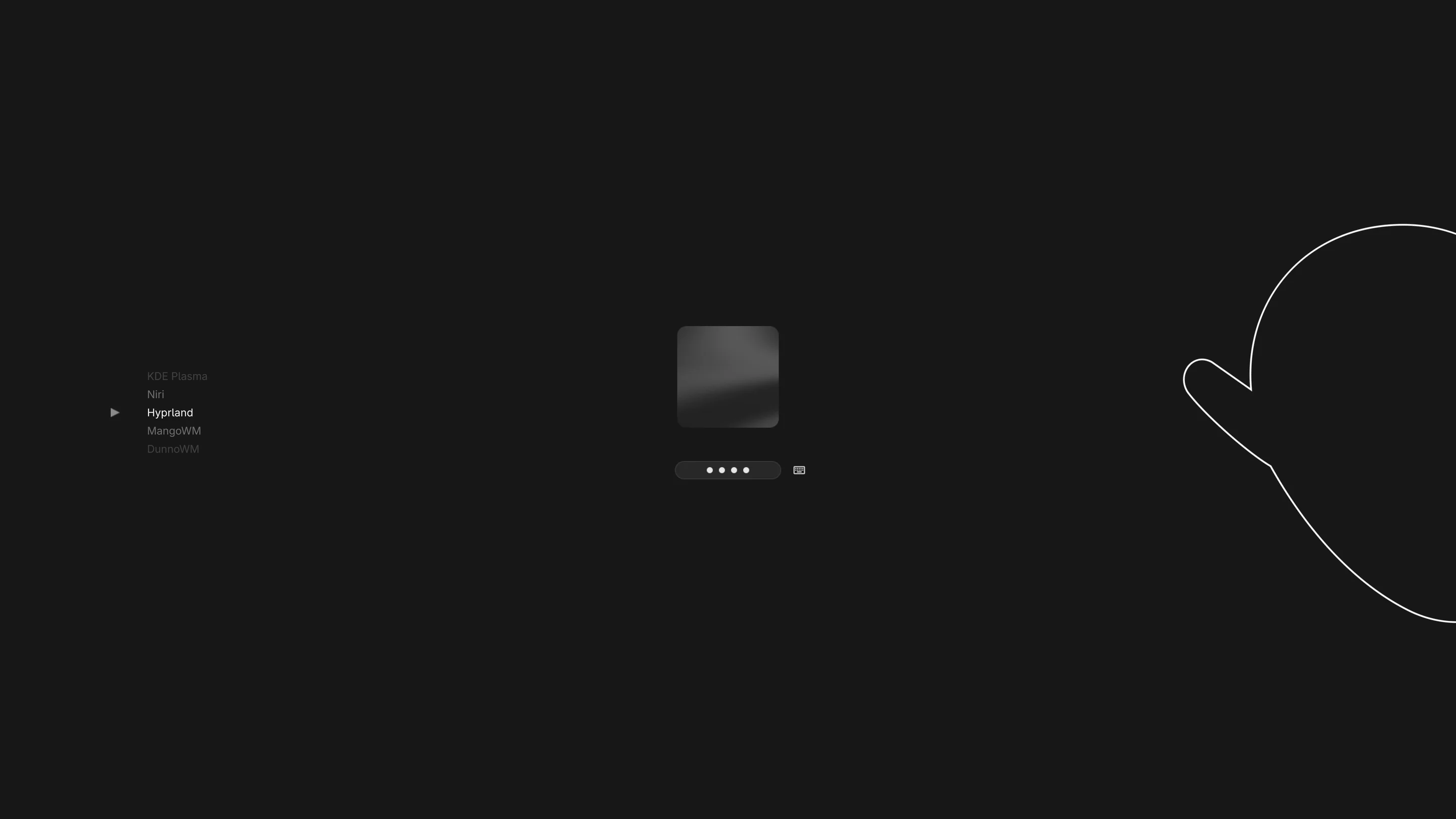
The ghOSt login screen: a session list on the left, profile picture and password in the centre, and a ghost outline on the right.

Install ghOSt.

For Arch Linux with Hyprland and Quickshell.

git clone https://github.com/dsksnkz/ghOSt.git
cd ghOSt
./install.sh --activate

Your existing configs are backed up first. ./install.sh --restore puts them back.

Hyprland setup